Introduction
Paradime is an AI-powered workspace that consolidates the entire analytics workflow, described as "Cursor for Data." It eliminates tool sprawl, fragile local setups, and guesswork about code changes breaking dashboards. With features like DinoAI (AI co-pilot that writes SQL and generates documentation), Paradime Bolt for orchestration, and column-level lineage, teams achieve 10x faster shipping speed, 50-83% productivity gains, and 20%+ reductions in warehouse spending.
What is dbt Source Generation?
Understanding dbt Sources
In analytics engineering, dbt sources represent the raw data tables in your warehouse that serve as the foundation for your transformations. They're the starting point of your data lineage—the tables you read from but don't transform within dbt.
Proper source documentation is critical because it establishes the contract between your raw data and transformation layer. Without it, you lose visibility into dependencies, making it impossible to understand what breaks when upstream schemas change.
Traditionally, creating source YAML files meant manually enumerating every table and column. Data engineers would copy-paste from warehouse catalogs, manually type column names, and hope they caught everything. When schemas changed, this documentation fell out of sync immediately.
The Importance of Automated Source Generation
Manual source documentation can take hours for a single database schema. Automated generation reduces this to minutes—or seconds with the right tool.
More importantly, automation ensures 100% column coverage. You're not relying on someone to remember every column or catch every schema change. The system reads directly from your warehouse, guaranteeing accuracy.
For teams onboarding new warehouses or migrating between platforms, automated source generation transforms a multi-day effort into an afternoon task.
Native AI vs MCP Integration: Understanding the Difference
What is Native AI for Data?
Native AI for analytics engineering is purpose-built for your workflow. It connects directly to your data warehouse and understands your repository structure without configuration.
When you ask it to generate sources, it already knows what tables exist, what columns they contain, and what data types they use. There's no translation layer, no setup process—just immediate access to the context it needs.
What is MCP (Model Context Protocol)?
MCP is an intermediary protocol that allows generic AI assistants like Claude or GPT to interact with specialized tools. Think of it as a translation layer—your AI sends requests to an MCP server, which translates those requests into dbt operations.
The architecture looks like this: AI Assistant → MCP Server → dbt Project → Data Warehouse. Each layer adds complexity and potential failure points.
Key Architectural Differences
Native integration means the AI is built into the platform that already connects to your warehouse. There's no adapter layer—it's all one system.
MCP requires installing servers, configuring connections, and managing multiple authentication contexts. What takes seconds with native AI takes hours to set up with MCP.
Performance suffers too. Every request passes through multiple layers, each adding latency and potential errors.
DinoAI: Native AI for dbt Source Generation
Warehouse-Aware Intelligence
DinoAI connects directly to Snowflake, BigQuery, Databricks, and other major warehouses. When you open your dbt project in Paradime, DinoAI already has live access to your schema information.
It doesn't guess at what tables exist—it reads them in real-time. It sees your actual column names, data types, and relationships. This warehouse-aware context means every suggestion is grounded in your actual data structure.
Repository Context Understanding
Beyond the warehouse, DinoAI understands your dbt project conventions. It reads how you've structured other source files, learns your naming patterns, and follows your team's coding standards automatically.
With .dinorules files, you can codify team standards that DinoAI follows consistently. No more style guide documentation that nobody reads—the AI enforces it automatically.
The DinoAI Source Generation Process
The process is remarkably simple. Open your dbt project, identify a table that needs source documentation, and ask DinoAI to generate the source definition.
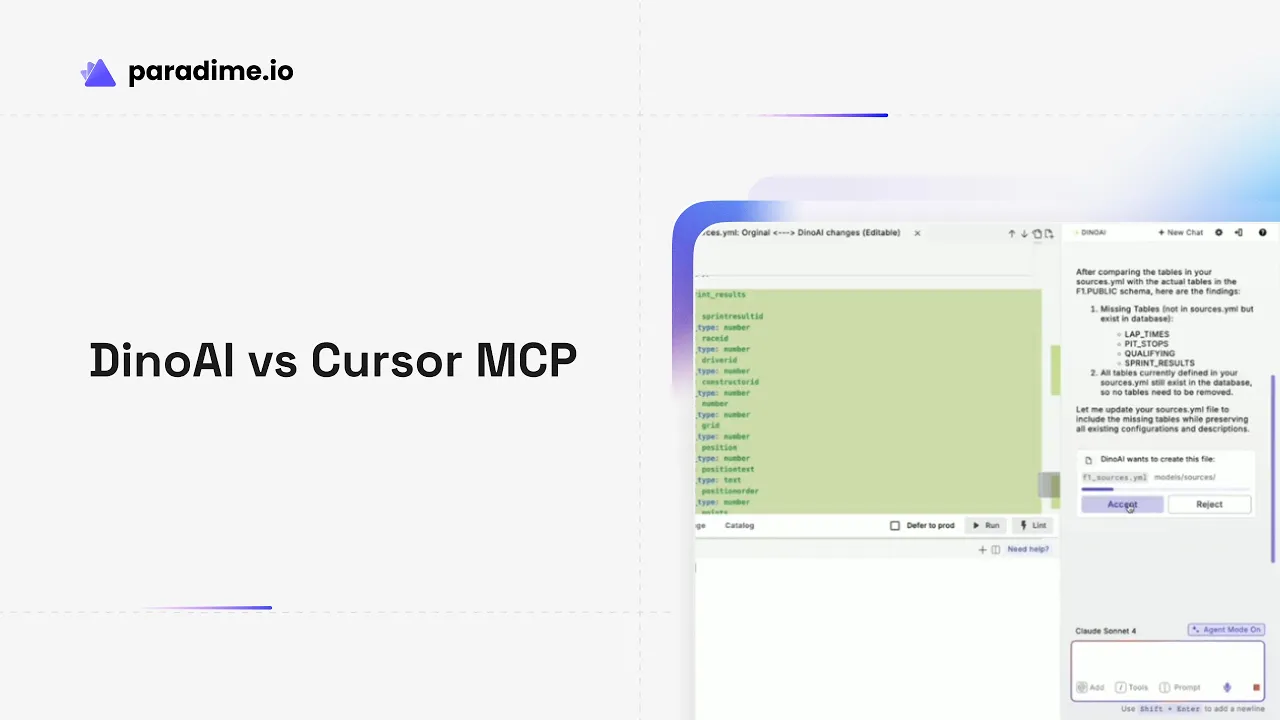
Within seconds, you see a complete YAML file with every column enumerated, proper indentation, and structure that matches your existing conventions. DinoAI presents it as a clean diff, making review effortless.
No configuration. No retry attempts. No connection errors. Just instant, accurate results.
Real-World Performance
Teams report complete source generation in under 10 seconds for schemas with dozens of tables. Zero setup time required means you can start on day one. The system guarantees 100% column coverage because it reads directly from your warehouse metadata.
Cursor with MCP Integration for dbt
Setup Requirements
Getting Cursor MCP working requires installing the dbt MCP server from GitHub, configuring MCP settings in Cursor's configuration files, and establishing connections to both your dbt project and warehouse.
This setup typically takes several hours, even for experienced engineers. You'll manage scoped permissions, debug connection issues, and configure authentication across multiple systems.
How Cursor MCP Works
Cursor uses generic AI models (Claude or GPT) that communicate with your dbt project through an MCP server. When you request source generation, the model must:
Select the appropriate MCP tool to call
Send requests through the MCP server
Receive responses back through the same layer
Interpret those responses and format them for you
Each step introduces potential errors and requires the model to make correct choices about which tools to invoke.
Limitations of MCP Approach
Documentation for Cursor MCP explicitly warns users about connection errors, required retry attempts, and imperfect tool selection. The LLM may cycle through unnecessary tool calls before finding the right approach.
Generic prompting is essential—you need to tell the model exactly what you want in detailed terms. Unlike native AI that understands dbt conventions, generic models need explicit instruction.
The integration is experimental. That's fine for prototyping but risky for production workflows where reliability matters.
MCP Integration Challenges
Configuration complexity is the biggest hurdle. You need deep understanding of both Cursor's MCP system and dbt's architecture to get everything connected properly.
SQL execution through MCP is less controllable than native tools. Documentation recommends starting with limited scope and read-only operations until you're confident in the setup.
Head-to-Head Comparison: DinoAI vs Cursor MCP
Source Generation Speed
DinoAI generates complete source definitions in seconds with zero configuration time. Cursor MCP eventually succeeds but only after hours of initial setup and potential retry attempts during operation.
Accuracy and Completeness
Both tools can produce functional YAML files, but DinoAI delivers complete column coverage consistently, while Cursor MCP may require error recovery and additional prompting.
Setup and Configuration
This is where the difference becomes stark. DinoAI requires zero configuration—connect your warehouse to Paradime and you're done. Cursor MCP demands hours of MCP server installation, configuration file editing, and connection troubleshooting.
Context Understanding
DinoAI has native access to both your warehouse schema and repository structure. Cursor MCP accesses the same information through an intermediary layer that requires explicit configuration.
User Experience
DinoAI delivers seamless, instant results with clean diff views for review. Cursor MCP involves multiple retries, connection error messages, and the experimental nature of the integration.
Reliability
DinoAI is production-ready with consistent performance. Cursor MCP is explicitly experimental, with documented issues around tool selection and connection stability.
Why Purpose-Built Tools Outperform Generic AI
The Analytics Engineering Context Problem
Generic AI models don't inherently understand dbt conventions, warehouse-specific syntax, or the relationships between sources, models, and BI layers. They learn through training data and prompting, not through native integration.
Each warehouse has different SQL dialects, data type conventions, and optimization patterns. Purpose-built AI knows these differences without being told.
The Value of Native Integration
Eliminating intermediary layers means faster performance and fewer failure points. Direct warehouse access provides real-time context that's always accurate.
Native tools are optimized specifically for dbt, SQL, YAML, Jinja, and warehouse operations. They don't need to be general-purpose programming assistants—they can focus entirely on analytics engineering workflows.
Beyond Source Generation: The Compound Effect
The advantage compounds across your entire workflow. Faster iteration cycles mean more experiments. Higher quality outputs mean fewer bugs. Consistent adherence to standards means easier code reviews and better collaboration.
Instead of researching syntax or debugging configuration issues, your team focuses on strategic work that drives business value.
Real-World Impact: Customer Results
Productivity Gains with DinoAI
Zego reported 30-40% productivity improvements after adopting DinoAI. Motive cut debugging time in half and completed week-long warehouse migrations in hours. Team members mastered new warehouses with zero learning curve.
Time Savings Across Workflows
Zeelo reduced tasks that took 4 hours down to 5 minutes. Emma cut pipeline runtime in half. Motive achieved 10x acceleration in analytics engineering output. MyTutor saw a 50% efficiency jump.
Quality and Consistency Benefits
The Sharing Group achieved 100% file coverage during bulk documentation operations. Mr. & Mrs. Smith automated sync across 100+ models. Teams codified best practices that scale automatically as they grow.
Use Cases Beyond Source Generation
Cross-Warehouse Translation
DinoAI translates syntax between BigQuery, Snowflake, and Databricks automatically. When migrating warehouses, it provides context-specific answers that understand both your source and target platforms.
Code Refactoring and Standardization
Bulk update hundreds of models to follow new conventions. Generate documentation automatically. Get optimization recommendations based on your specific warehouse and query patterns.
Debugging and Problem Solving
DinoAI diagnoses errors with warehouse-aware context. It understands what impact your changes will have before you deploy them, tracing lineage from raw sources through to BI dashboards.
Making the Right Choice for Your Team
When Native AI is the Clear Winner
If your team prioritizes productivity, works across multiple warehouses, or operates in production environments requiring reliability, native AI is the obvious choice.
Fast-moving analytics engineering teams can't afford hours of configuration and experimental features. They need tools that work instantly and consistently.
When to Consider MCP Integration
MCP makes sense for prototyping and experimentation. If your team is already deeply invested in the Cursor ecosystem and primarily uses it for non-production work, MCP integration offers a way to extend Cursor's capabilities.
Just be prepared for the experimental nature and setup complexity.
Total Cost of Ownership
Consider setup time (hours vs. seconds), ongoing maintenance burden, productivity impact on your team, and time spent on error recovery. The tool that seems free becomes expensive when it slows your entire team down.
Getting Started with DinoAI
Quick Start Guide
Sign up for Paradime, connect your data warehouse through the setup wizard, open the Code IDE, and access DinoAI. Your first source generation takes seconds.
Best Practices for DinoAI Usage
Create .dinorules files to codify team standards. Use the Add Context feature to give DinoAI additional information about your specific requirements. Combine DinoAI with Paradime Bolt for orchestration and leverage column-level lineage for impact analysis.
Integration with Your Workflow
DinoAI works seamlessly with Paradime's full platform—orchestration through Bolt, real-time monitoring and alerts, CI/CD integration for safe deployments, and column-level lineage that traces data from source to dashboard.
Conclusion
Native AI demonstrates clear, measurable advantages over MCP integration for dbt source generation. Purpose-built tools like DinoAI understand analytics engineering context without configuration, delivering instant results where generic AI tools require hours of setup.
Real-world results speak for themselves: 30-50% productivity improvements, zero setup time, and production-ready reliability. The choice between native and adapted AI tools directly impacts your team's velocity and code quality.
As analytics engineering evolves, warehouse-aware AI will become table stakes. MCP serves as a bridge for generic tools, but native AI represents the optimal solution for teams serious about productivity.
Try DinoAI for free on Paradime and experience native AI for dbt source generation. Compare the results with your current workflow and discover why leading teams achieve 10x faster shipping speed with purpose-built tools.


