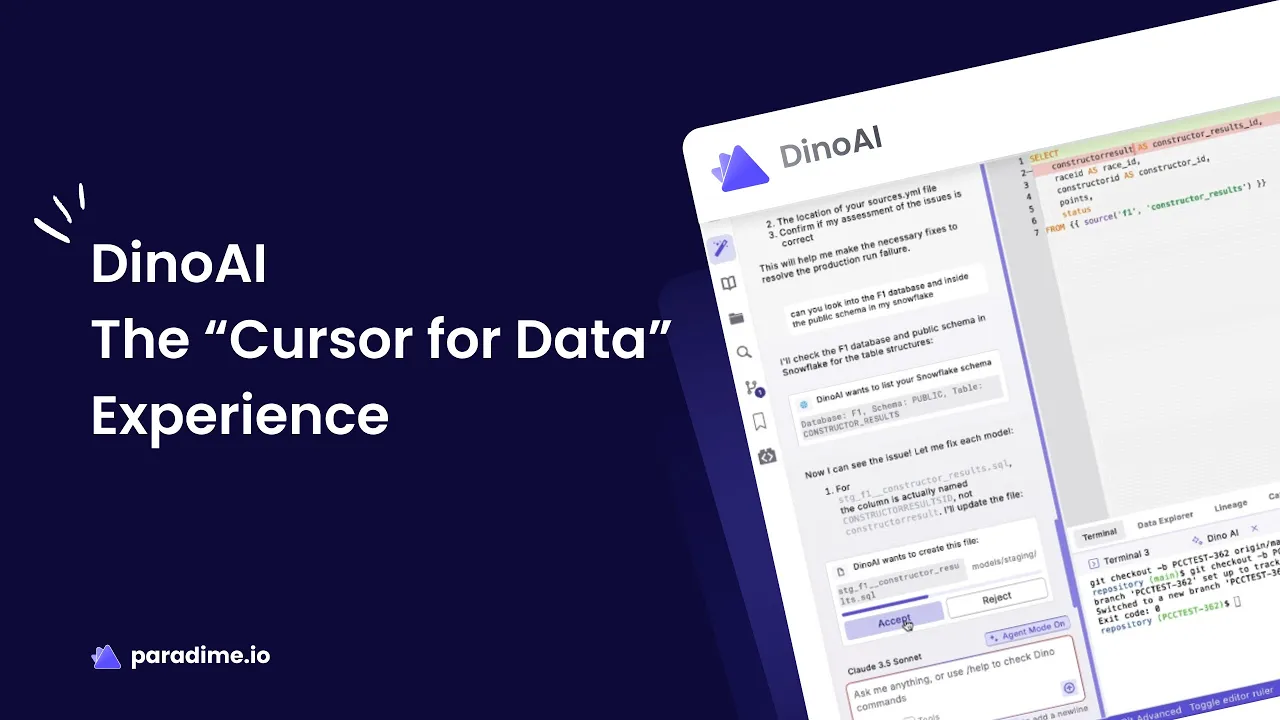
DinoAI: The Complete Cursor for Data Experience Revolutionizing Analytics Engineering
·
5
min read
In an era where data teams are drowning in rote work while budgets remain flat, analytics engineering faces a critical bottleneck. Teams spend up to 80% of their time on tedious tasks like renaming columns, writing documentation, and creating tests—work that delivers little strategic value. Enter DinoAI, Paradime's groundbreaking "Cursor for Data" experience that's fundamentally transforming how analytics teams work.
The Evolution from Traditional Analytics Engineering to AI-Native Development
Analytics engineering has long suffered from a steep learning curve and manual workflows that slow innovation. While tools like dbt revolutionized data transformation, they still require analytics engineers to write every line of SQL, document every model, and test every column manually. The workload keeps increasing, but the resources don't.
DinoAI v2.0 represents a paradigm shift—bringing the same AI-first development philosophy that Cursor IDE brought to software engineering into the data world. Rather than asking teams to work harder, DinoAI eliminates up to 90% of rote work by automating pipeline generation, documentation, and testing. The result? Teams can go from zero to insights in about 10 minutes without writing a single line of SQL manually.
Code Mode: Generate Complete Data Pipelines Instantly
At the heart of DinoAI lies Code Mode, a fundamental workflow transformation that generates entire data pipelines with proper structure, documentation, and tests—automatically. Unlike previous AI assistants that required copying and pasting suggestions, Code Mode seamlessly integrates AI-generated code directly into your development workflow.
DinoAI leverages complete warehouse schema context across BigQuery, Snowflake, Redshift, Databricks, Clickhouse, Trino, and more. This deep contextual awareness means DinoAI understands your data landscape intimately—every table, schema, and relation. It can automatically generate source YAML files from warehouse metadata, create base models with improved column naming conventions, build intermediate models that intelligently join multiple tables, and add comprehensive documentation and tests without manual coding.
Sensible guardrails prevent unnecessary queries and resource usage, ensuring AI assistance enhances rather than disrupts your workflow. This warehouse-context awareness distinguishes DinoAI from generic coding assistants—it's purpose-built for the unique challenges of analytics engineering.
Advanced Features That Transform Your Workflow
.dinoprompts: Your Team's Reusable Prompt Library
DinoAI introduces .dinoprompts—the first prompt library built specifically for analytics engineers. These version-controlled YAML files live in your repository, enabling collaborative prompt management across your entire team.
Out-of-the-box prompts handle common tasks like updating sources.yml, generating documentation, and creating tests. But the real power emerges when you customize prompts for team-specific workflows using an advanced variable system with Jinja syntax. Variables like {{editor.currentFile.path}} and {{git.diff.withOriginDefaultBranch}} enable sophisticated automation, such as analyzing code changes to generate comprehensive pull request descriptions.
.dinoprompts even integrate with Mermaid diagram support, allowing you to create visual documentation alongside your code—turning complex data relationships into clear, shareable diagrams.
.dinorules: Enforce Coding Standards Automatically
Consistency matters in analytics engineering. .dinorules solves this challenge by defining code standards once and ensuring AI-generated code follows your team's conventions automatically. These YAML files live in your repository, providing version-controlled, collaborative standards enforcement that ensures quality and consistency across all AI interactions.
Credit Saver Mode: Build More While Spending Less
AI costs can spiral quickly with long conversation threads and complex models. DinoAI's Credit Saver Mode takes a fundamentally different approach through intelligent context management.
When transitioning between tasks, Credit Saver Mode automatically summarizes previous conversation history, preserving essential information while reducing computational overhead. This hands-off optimization is particularly valuable for large SQL files or complex model hierarchies, allowing teams to maintain productivity without ballooning AI costs.
Voice-to-Text: Talk to Your Data
Sometimes the fastest way to communicate is speaking. DinoAI's Voice-to-Text feature enables natural conversation with your AI assistant, perfect for explaining complex business logic verbally or conducting collaborative brainstorming sessions. DinoAI captures context from these conversations and incorporates insights into generated documentation or code comments, bridging the gap between human intuition and machine execution.
Unlimited Integrations: Connect Your Entire Data Stack
DinoAI's MCP (Model Context Protocol) integrations connect 30+ tools across your entire tech stack through a single unified interface, creating hyper-relevant AI assistance that understands not just your code, but your entire development ecosystem.
Version Control & GitOps: GitHub, Azure Repos, and GitLab integrations automate branching, commits, and pull requests with AI-powered context awareness.
Project Management: Jira, Asana, and Linear integrations fetch issue details directly into your workflow. When a pipeline fails and creates a Jira ticket, DinoAI automatically accesses error context without manual copying.
Documentation & Knowledge Management: Confluence, Notion, Google Drive, and SharePoint integrations pull contextual information from your documentation, ensuring AI suggestions align with business requirements and team knowledge.
Data Platforms: Direct integrations with Snowflake, Databricks, BigQuery, Redshift, and Starburst provide database object metadata, while DataHub integration connects to your data catalog.
Web Search: Perplexity integration brings real-time internet information into your workflow, keeping you updated with the latest dbt best practices, documentation, and data engineering patterns.
The power of these integrations lies in their combination—DinoAI synthesizes warehouse context, repository code, Jira errors, terminal commands, and web search results into cohesive, intelligent assistance.
Terminal AI Assistance and GitOps Automation
DinoAI extends beyond code editing to encompass your entire development lifecycle. Terminal integration, enabled by default, executes Git and dbt commands with user approval—checking branches, creating branches, fixing files, running dbt commands, committing changes, and suggesting merge requests.
AI-powered GitOps automates version control through automatic analysis of code changes and contextual commit message generation. Whether you prefer Git Lite for simplicity or Advanced Git for power users, DinoAI handles the complexity while you focus on business logic.
The Complete AI-Native Development Environment
Paradime's Code IDE combines DinoAI with a comprehensive suite of developer productivity tools. Data previews provide instant feedback loops, while column-level lineage traces data flow from source to BI dashboards. ERD and diagram-as-code generation using MermaidJS visualizes data relationships, and the ability to view downstream impact before merging code prevents breaking changes.
Peek/View Definition enables rapid navigation, while SQLFluff and Prettier ensure code formatting consistency. Generate Sources creates instant table source configurations, and Defer to Production streamlines testing. In-line dbt docs, pre-commit hooks, multi-cursor editing, split views and terminals, and find-and-replace across projects round out a development experience designed for maximum efficiency.
Real-World Impact: Documented Productivity Gains
The productivity improvements with DinoAI aren't hypothetical—they're measurable and significant. Teams report 3X increases in daily productivity, with 70% reduction in manual and rote work. Tasks that previously took 4 hours now complete in 5 minutes, representing 10X acceleration in analytics engineering workflows.
Customers consistently report 50-83% productivity gains, 25-50% faster development cycles, and 20%+ warehouse cost reductions. Organizations run 400+ models hourly at 100% uptime while reducing production incidents—proof that AI-native development delivers both speed and reliability.
Enterprise-Grade Security and Flexible Pricing
Paradime takes security seriously with SOC 2 Type II certification and ISO 42001 compliance in progress. Zero data retention agreements with Anthropic ensure complete ownership of all inputs and outputs, with no vendor lock-in.
Pricing reflects the value DinoAI delivers. The base IDE tier costs just $25 per user per month (reduced from $60), with three AI tiers—Spark (trial users), Flow (weekly users), and Vibe (daily users)—that scale with usage. Existing customers receive 5 million credits automatically, and new users can start with a 14-day free trial.
The Future of Analytics Engineering is Here
DinoAI represents the next evolution in analytics engineering tools—replacing traditional development workflows with an AI-native experience that lets teams focus on business value rather than repetitive tasks. By eliminating 90% of rote work, providing deep contextual awareness across your entire data stack, and integrating seamlessly with 30+ tools, DinoAI fundamentally changes what's possible in analytics engineering.
As workloads increase and budgets remain constrained, the competitive advantage belongs to teams that embrace AI-powered development. DinoAI isn't just an incremental improvement—it's a paradigm shift that democratizes analytics engineering, accelerates development cycles, and reduces costs simultaneously.
The question isn't whether AI will transform analytics engineering—it's whether your team will lead or follow. Start your free trial at paradime.io and experience the "Cursor for Data" revolution today.


