Introduction
Paradime consolidates your entire analytics workflow into one AI-powered workspace aka Cursor for Data. No more tool sprawl, no more fragile local setups, no more guessing which dashboard your code change will break. Paradime's Code IDE eliminates the friction that slows teams down. DinoAI, your AI co-pilot, writes SQL, generates documentation, and refactors entire models based on your project's standards. Paradime Bolt turns dbt™ models into a production-grade, state-aware orchestration system with declarative scheduling, robust CI/CD, and automated test runs. Paradime gives you column-level lineage from source to BI, real-time monitoring with automated alerts, and impact analysis that shows exactly which Looker dashboards or Tableau reports will break before you merge.
Watch the Tutorial
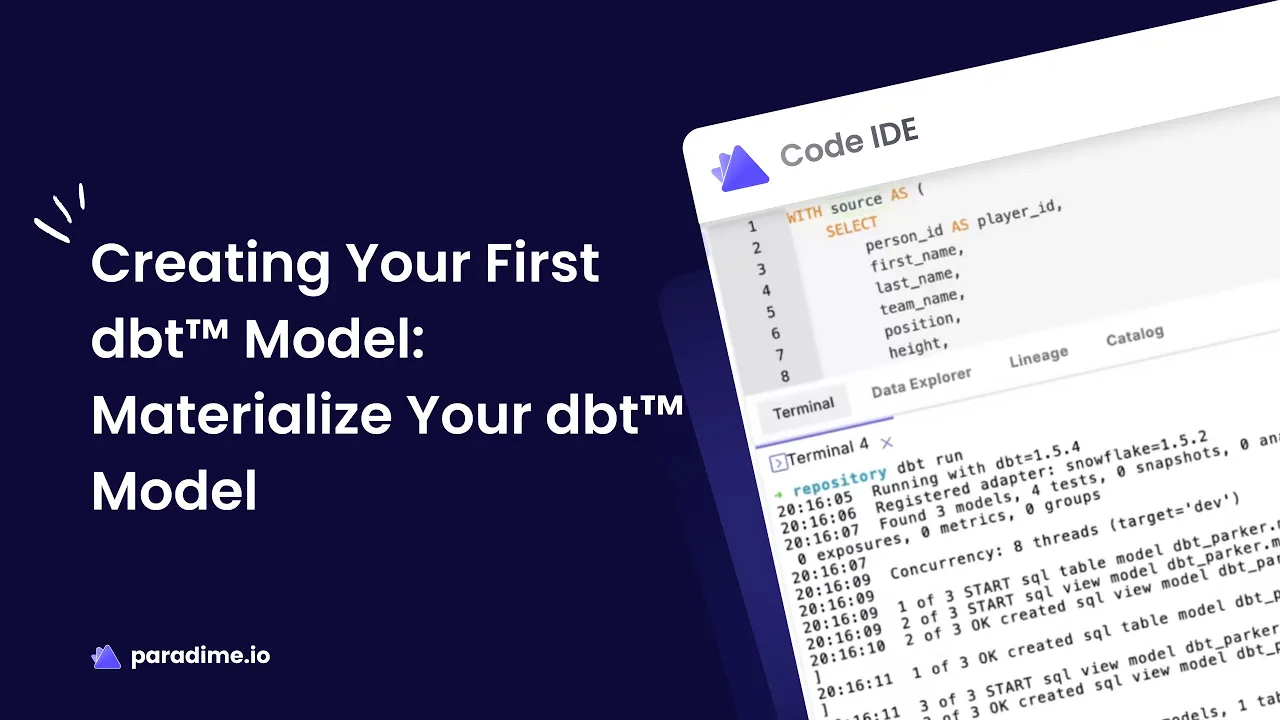
Ready to see materializations in action? Check out the video tutorial "Creating Your First dbt™ Model - Materialize Your dbt™ Model" by Paradime for a visual walkthrough of the concepts covered in this guide.
Understanding dbt Models and Materializations
What is a dbt Model?
A dbt model is a SELECT statement that transforms raw data into analytics-ready datasets. Models are the building blocks of your data transformation workflow, allowing you to clean, aggregate, and reshape data for analysis. Each model is defined in a .sql file within your dbt project and represents a single transformation step in your analytics pipeline.
At its core, a dbt model takes data from your sources or upstream models and applies business logic through SQL to create new tables or views in your data warehouse. This modular approach enables you to break complex transformations into manageable, testable, and reusable components.
What are Materializations?
Materializations are strategies that determine how dbt persists the results of your models in your data warehouse. When you run a dbt model, the materialization type controls whether dbt creates a view, builds a table, or uses another persistence method.
By default, dbt materializes all models as views. This means that each time you query the model, the database re-executes the underlying SELECT statement. While this ensures your data is always fresh, it may not be optimal for all use cases—especially for complex transformations or models queried frequently by end users.
The Five Types of dbt Materializations
Table Materialization
Table materialization rebuilds your model as a physical table on each run using a CREATE TABLE AS statement. This approach pre-computes your transformation and stores the results, making queries extremely fast.
When to use tables:
Models queried frequently by BI tools and dashboards
Slower transformations that are used by many downstream models
End user-facing analytics that need fast query performance
Configuration example:
Key consideration: Tables can take longer to rebuild and won't automatically include new records until the next dbt run. Balance the performance benefits against rebuild times and data freshness requirements.
View Materialization
View materialization creates a database view using a CREATE VIEW AS statement. Views don't store additional data—they simply save the query definition and execute it each time the view is queried.
When to use views:
Lightweight transformations like renaming or recasting columns
Staging models that need to stay in sync with source data
Models without significant computational complexity
Benefits and limitations: Views always reflect the latest records from upstream sources, but stacking multiple views or including complex transformations can severely degrade query performance. This is the default materialization if none is specified.
Incremental Materialization
Incremental models allow dbt to insert or update only new records since the last run, rather than rebuilding the entire table. This dramatically reduces build times for large datasets.
When to use incremental:
Event-style data that continuously grows
Large datasets where full rebuilds are too slow
Use cases requiring efficient processing of new records only
Configuration example:
Important note: Incremental models require extra configuration and careful consideration of merge strategies, unique keys, and handling late-arriving data. They're powerful but more complex than other materializations.
Ephemeral Materialization
Ephemeral models aren't built directly in your database. Instead, dbt interpolates their code as common table expressions (CTEs) into dependent models. This keeps your warehouse clean while promoting code reusability.
When to use ephemeral:
Lightweight transformations early in your DAG
Reusable logic used in one or two downstream models
Intermediate calculations that don't need to be queryable directly
Limitations:
Cannot be queried directly from your database
Overuse can make compiled queries difficult to debug
Don't support operations that require physical materialization
Cannot be used with model contracts
Ephemeral models are best for simple, focused transformations that serve as building blocks for more complex downstream models.
Materialized View Materialization
Materialized views combine the query performance of tables with the data freshness of views. The database platform manages the incremental refresh logic automatically, eliminating the need to write complex incremental strategies.
When to use materialized views:
Use cases where incremental models would work but you want the platform to handle refresh logic
Scenarios requiring both performance and near-real-time freshness
Supported database platforms (not all warehouses support materialized views)
Key advantage: The database handles refreshes automatically without manual intervention, though configuration options may be more limited compared to standard tables or incremental models.
Creating Your First dbt Model: Step-by-Step Guide
Step 1: Set Up Your Model File
Create a new .sql file in your project's models/ directory. The file name will become your model name, so use clear, descriptive naming following your team's conventions (typically lowercase with underscores).
Using CTEs makes your queries cleaner and more maintainable, though they're not required for simple transformations.
Step 2: Configure Your Materialization
Add a configuration block at the top of your model file to specify the materialization type and other settings:
You can also configure materializations at scale in your dbt_project.yml file for entire folders:
Model-specific configurations override project-level settings, keeping your code DRY (Don't Repeat Yourself).
Step 3: Define Model Dependencies
Use the ref() function to reference upstream models instead of hardcoding table names:
The ref() function does two critical things:
Schema interpolation: Allows you to change deployment schemas via configuration without updating model code
Dependency management: Automatically builds a directed acyclic graph (DAG) so dbt runs models in the correct order
Never hardcode table references—always use ref() for models within your project.
Step 4: Run and Test Your Model
Execute your model using the command line:
dbt will compile your model, resolve dependencies, and execute the transformation in your data warehouse. Check your warehouse to verify the model was created with the expected materialization type.
For troubleshooting, review the compiled SQL in your target/ directory to see exactly what dbt executed.
Best Practices for dbt Model Development
Choose the Correct Materialization Strategy
Follow the golden rule: Start with views, when they're too slow to query make them tables, when tables take too long to build make them incremental.
Staging models should typically be views. They're building blocks that need to stay in sync with source data and aren't usually queried directly by end users.
Marts (final models) should be tables or incremental. These are accessed frequently by analysts and BI tools, so query performance is critical. They can tolerate intermittently refreshed data (hourly or daily runs).
Balance performance versus cost and data freshness versus build times when selecting materializations for each layer of your project.
Maintain Modular and Reusable Code
Break complex transformations into multiple models organized by layer:
Staging: One-to-one with source tables, basic cleaning and normalization
Intermediate: Business logic, joins, and aggregations
Marts: Final analytics-ready datasets for specific business domains
This structure makes your code easier to understand, test, and maintain. Abstract frequently-used patterns into macros to reduce duplication across models.
Use Staged Sources
Create staging models with an stg_ prefix that serve as the foundation of your transformations:
Staging models clean and normalize raw data while maintaining a one-to-one mapping with source tables. This approach centralizes data cleaning and makes it easy to test source freshness.
Implement Consistent Naming Conventions
Establish and enforce naming patterns across your project:
Use
stg_prefix for staging modelsUse
int_prefix for intermediate modelsUse
fct_for fact tables anddim_for dimension tablesGroup related models in subdirectories
Consistent naming and organization makes your project intuitive for new team members and scales better as your project grows.
Advanced Materialization Concepts
Configuring Materializations at Scale
Use your dbt_project.yml file to set default materializations at the folder level:
More specific configurations take precedence over general ones. This cascading approach keeps your code DRY and makes it easy to apply consistent strategies across model groups.
Incremental Models in Depth
Incremental models require careful planning around unique keys, merge strategies, and handling late-arriving data:
Consider partition strategies and merge logic carefully to balance performance with data accuracy. Incremental models are powerful for large, continuously growing datasets but add complexity to your project.
Working with Paradime for dbt Development
Paradime Code IDE Features
Paradime's Code IDE accelerates your dbt development with:
DinoAI assistance: Your AI co-pilot writes SQL, generates documentation, and refactors models based on your project standards
Intelligent code completion: Context-aware suggestions speed up model development
Real-time collaboration: Work together with your team in a shared workspace
Paradime Bolt Orchestration
Transform your dbt models into production-ready data pipelines:
Declarative scheduling: Define schedules in
paradime_schedules.ymlfor clear, version-controlled orchestrationCI/CD integration: Automated testing and deployment workflows ensure code quality
State-aware execution: Run only modified models and their downstream dependencies for efficient builds
Lineage and Impact Analysis
Understand the full impact of your changes before merging:
Column-level lineage: Track data flow from source to BI dashboards
Breaking change detection: See exactly which Looker or Tableau reports will be affected
Real-time monitoring: Automated alerts keep you informed of issues
Common Challenges and Solutions
Materialization Selection Issues
Problem: Over-using table materializations leads to long build times and expensive warehouse costs.
Solution: Apply the golden rule—start with views and only promote to tables when query performance becomes an issue.
Problem: Stacked views cause slow query performance.
Solution: Materialize intermediate layers as tables if they're used by multiple downstream models or contain complex logic.
Performance Optimization
Query optimization: Write efficient SQL within your models—materialization strategies can't fix fundamentally inefficient queries.
Warehouse resource management: Right-size your warehouse for your workload. Incremental models reduce compute costs for large datasets.
Monitor and profile: Use your warehouse's query profiling tools to identify bottlenecks and optimize accordingly.
Conclusion and Next Steps
Mastering materialization strategies is fundamental to building efficient, scalable dbt projects. Start with views as your default, promote to tables for performance, and use incremental models for large, growing datasets. Remember that materialization is a dial you can tune—not a one-time decision.
As you continue your dbt journey:
Practice with different materialization types to understand their performance characteristics
Implement consistent project structure and naming conventions from the start
Leverage tools like Paradime to accelerate development and collaboration
Monitor query performance and adjust materializations based on real usage patterns
Ready to supercharge your dbt development? Get started with Paradime to experience AI-powered analytics engineering with robust orchestration, lineage tracking, and impact analysis built in. Your team's analytics workflow will never be the same.


