Mobile
Your pipelines and agent workflows on the go.
Manage and run your data pipelines and agent workflows from your phone.


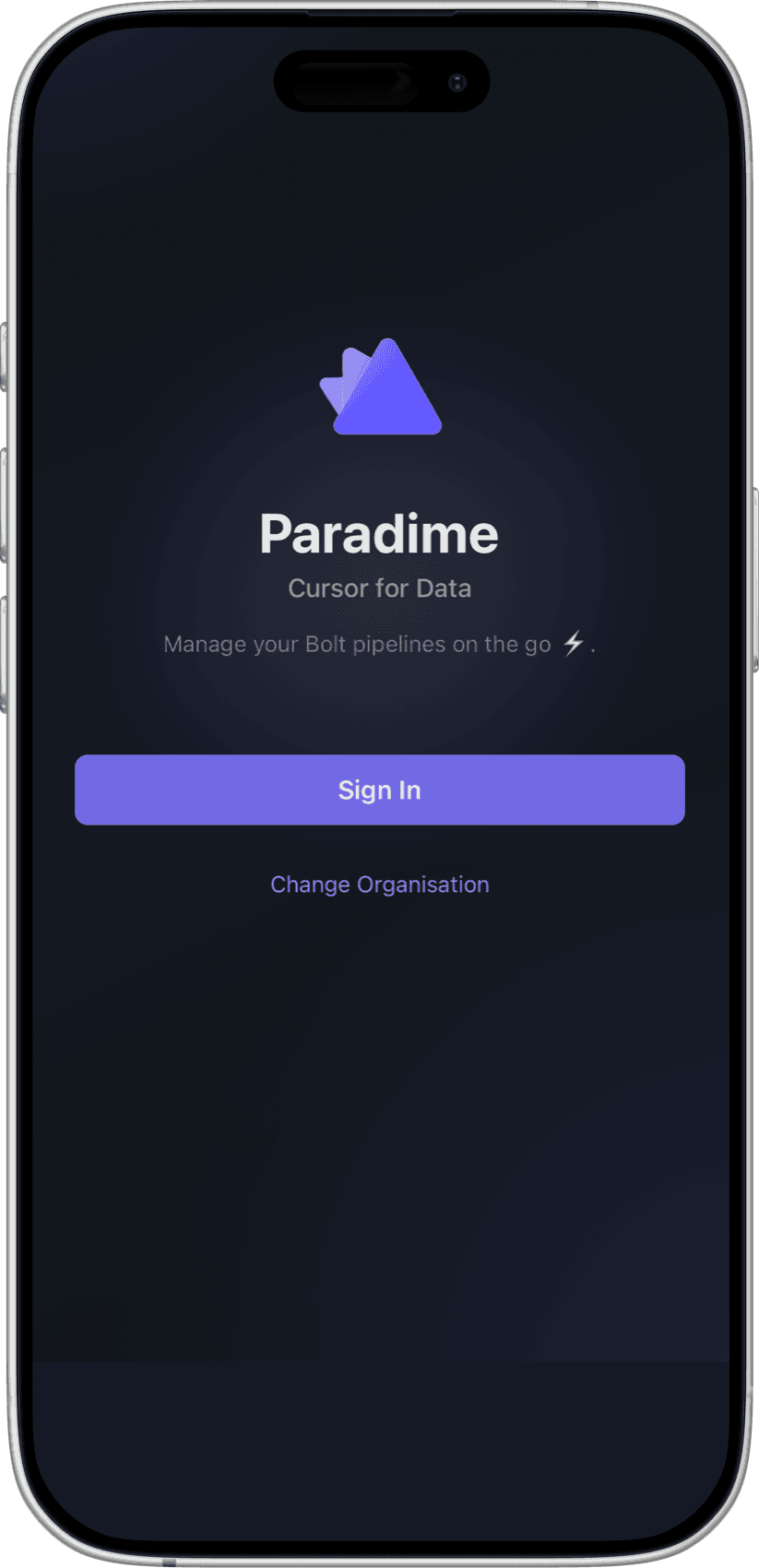
In the app
What can you do from your phone
Check on a schedule, start a run and find out why one failed, without opening a laptop.
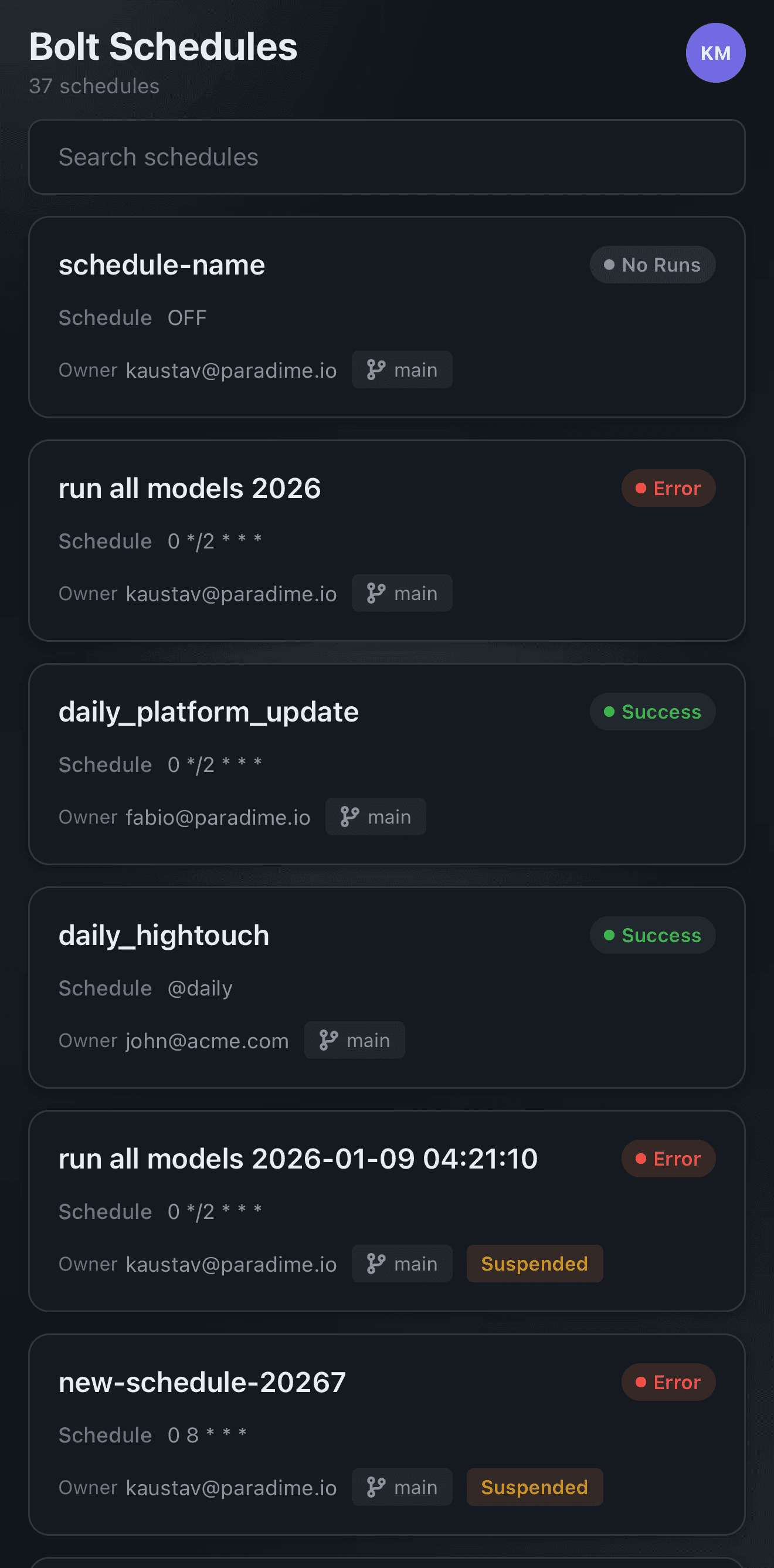
See all schedules
Search all your Bolt schedules and see each one's latest status, cron, owner and branch, including the ones that are suspended.
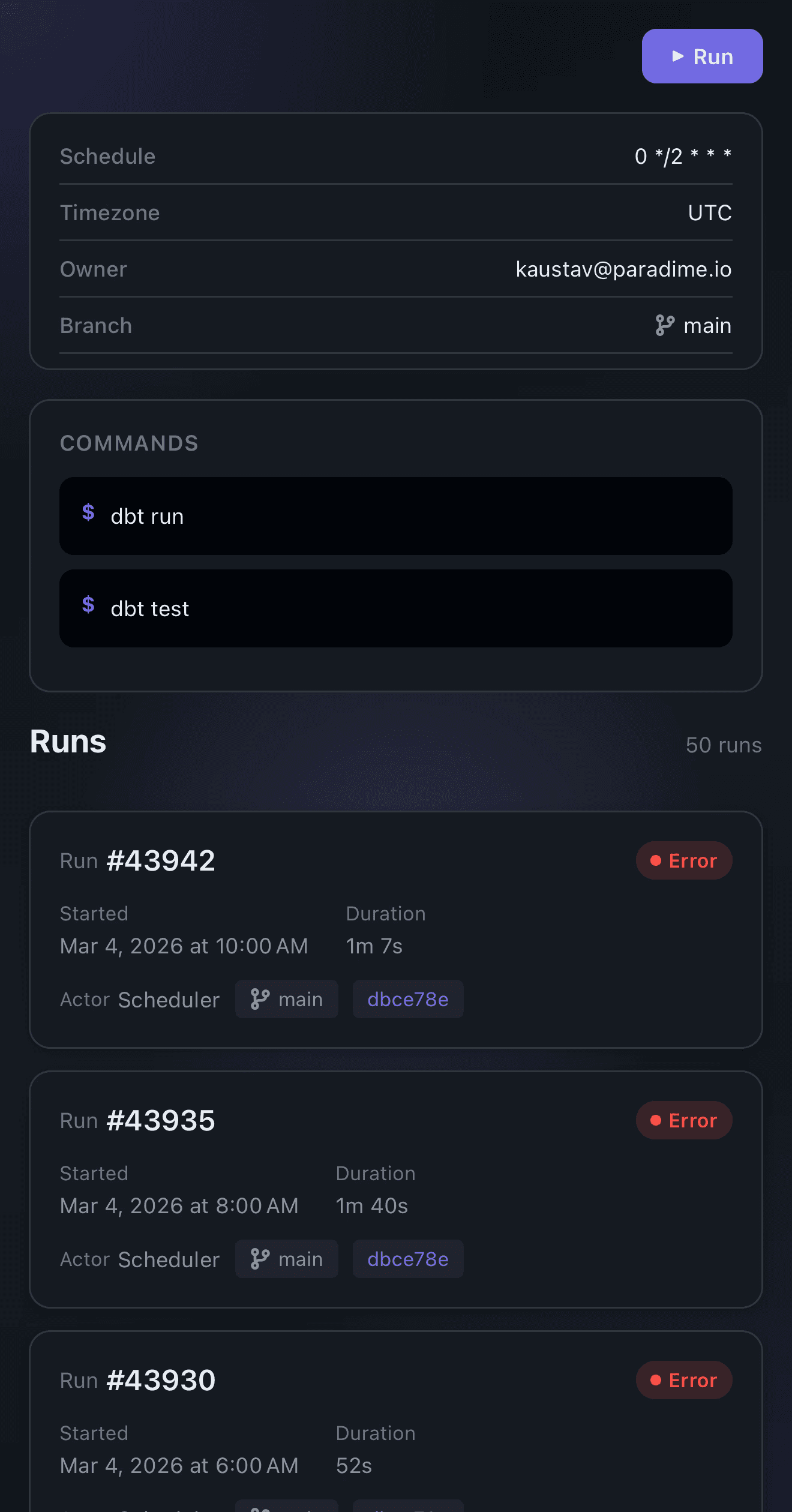
View schedule details
Open a schedule to see its trigger, owner, branch and commands, with the full run history underneath.
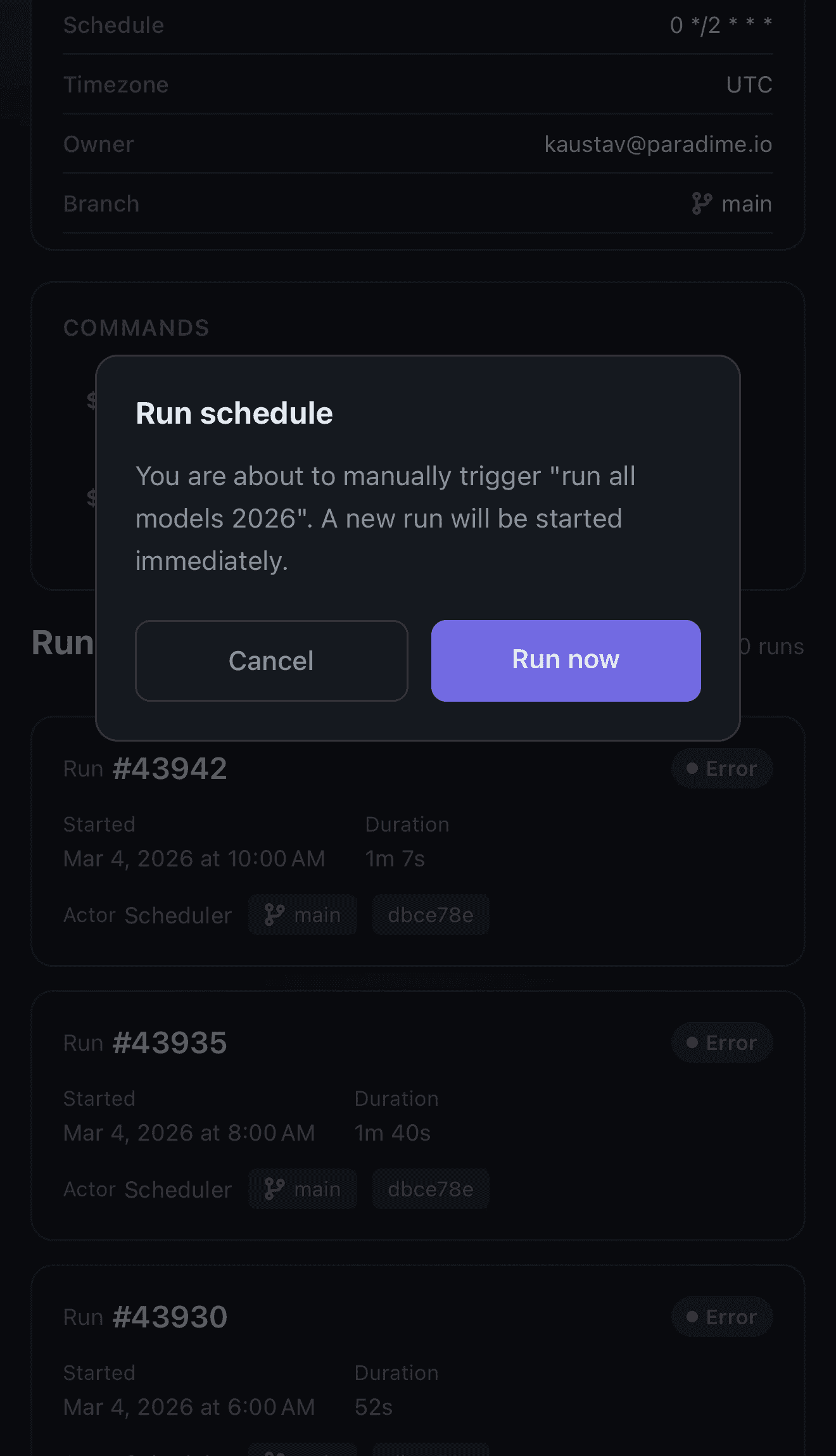
Trigger runs from anywhere
Start a schedule or agent workflow manually with a tap and the new run begins straight away.
View run logs
View the output of every command in a schedule and also cancel a run if you need to.
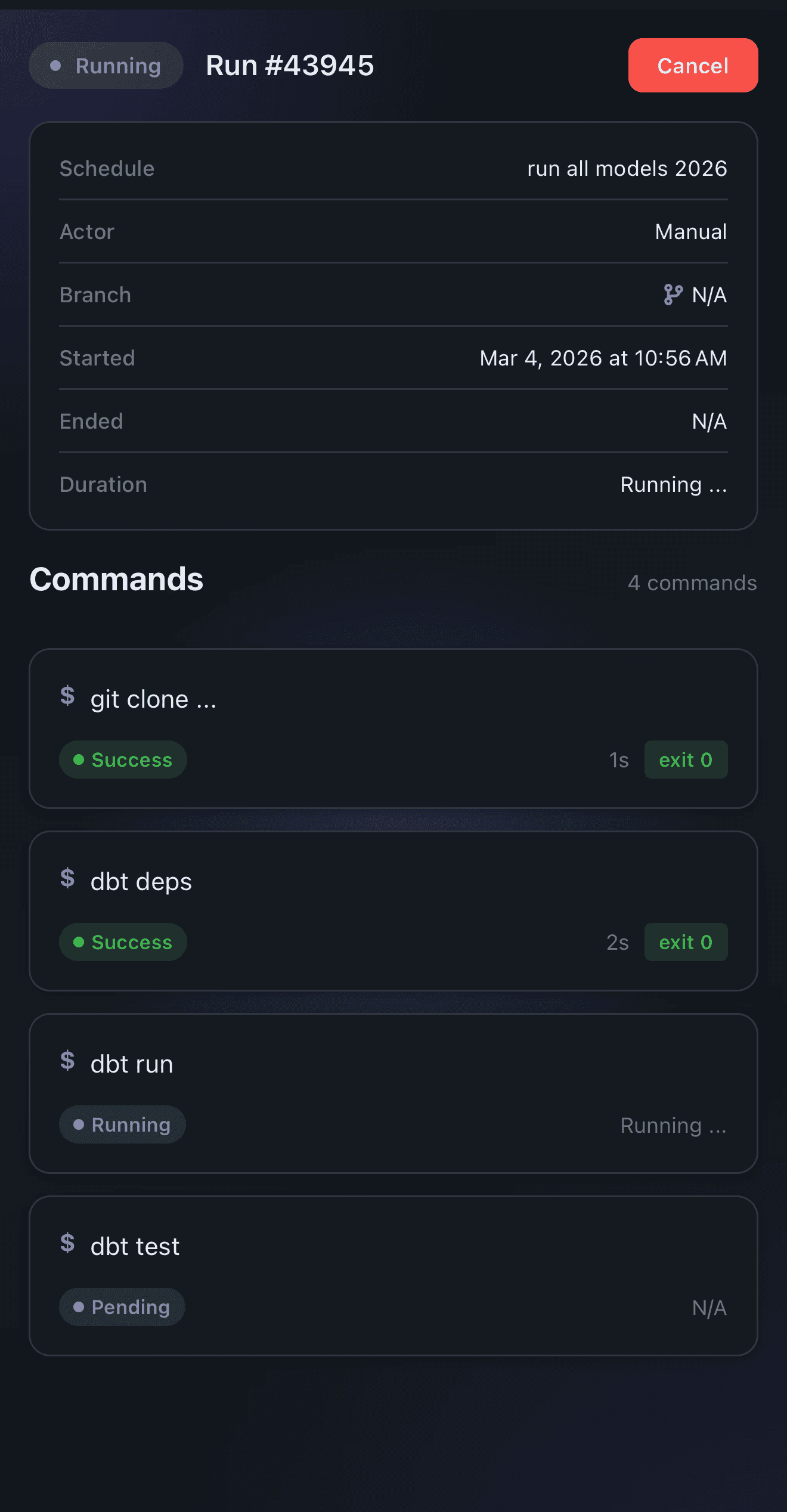
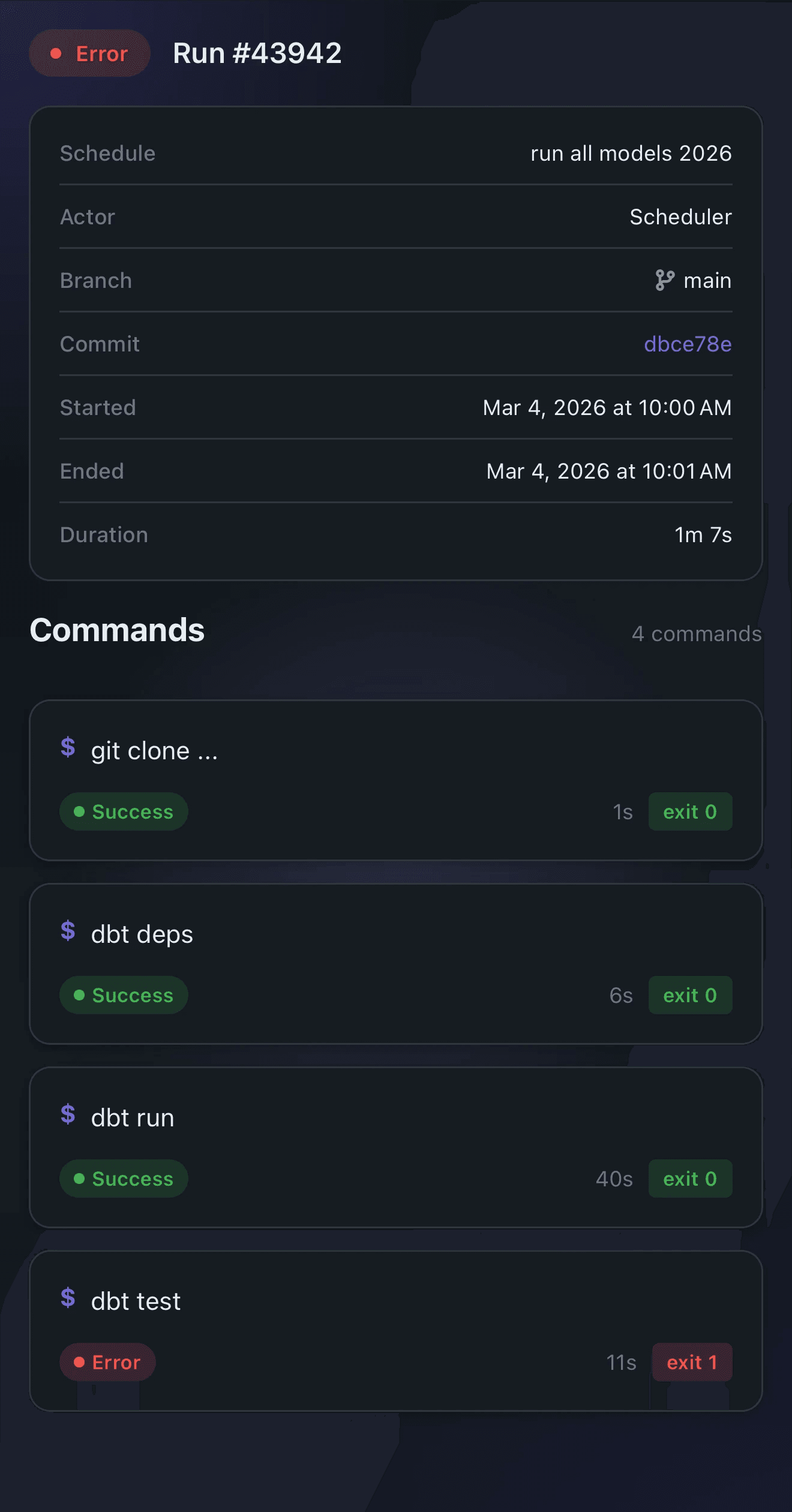
View failures
View the logs and failure details of every command in a schedule or workflow run.
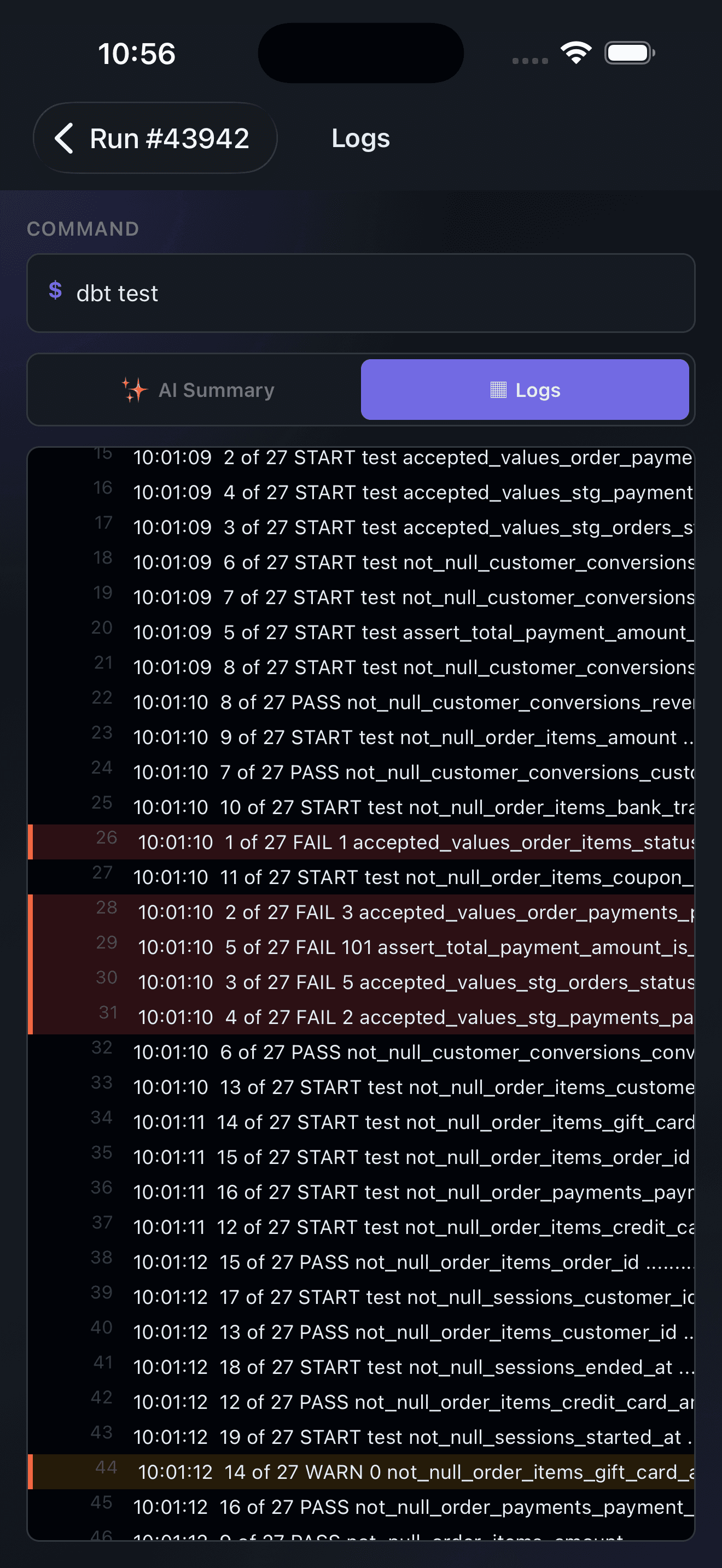
View logs
Open the full log for any command, with failures and warnings highlighted so they are easy to find on a small screen.
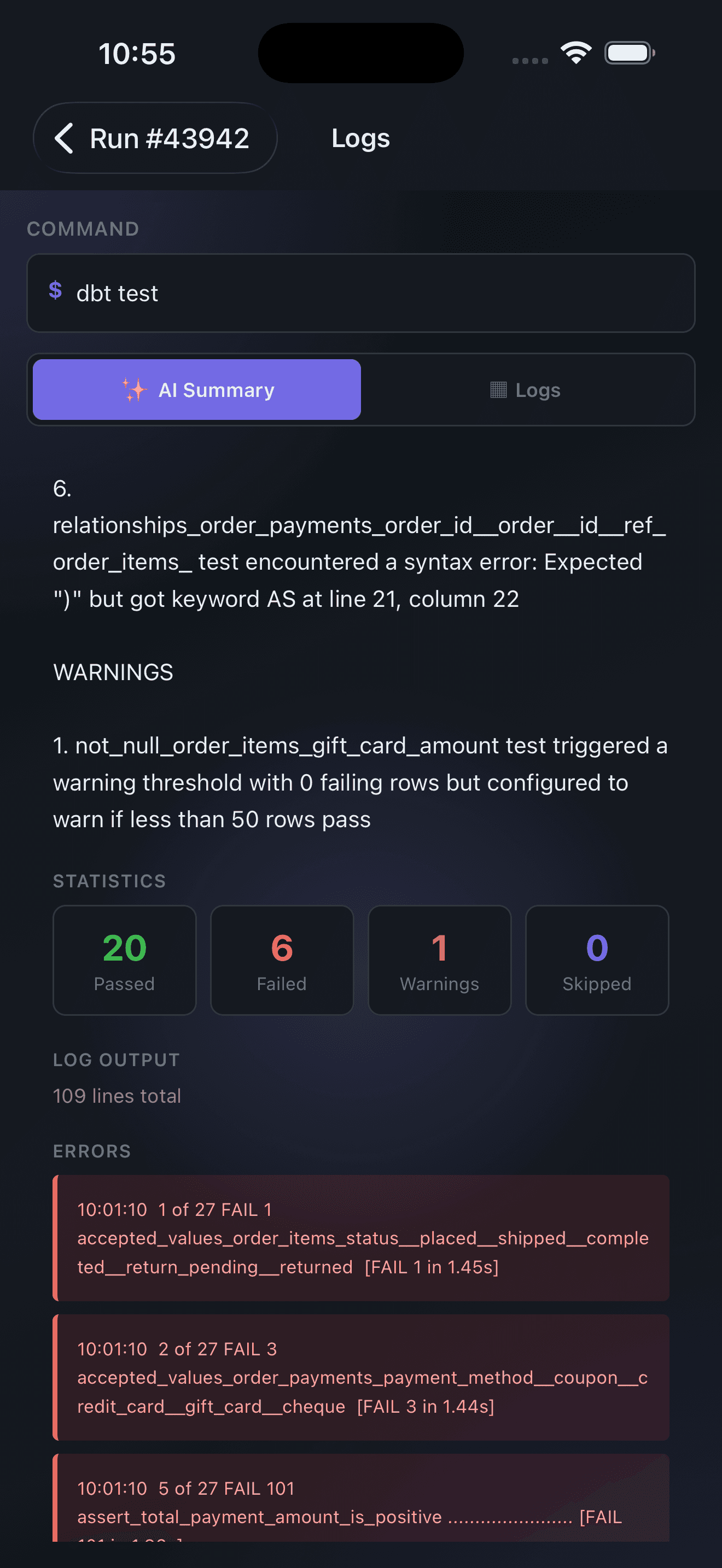
AI summary
DinoAI generates a summary of root cause and potential fix for a failed run.
Get the app
Download now
Available for iOS and Android. Sign in with your Paradime account.
Join industry leaders winning with DinoAI agents
Data engineers and analysts at the most AI-native startups and enterprises use Paradime's DinoAI agents everyday to become market leaders.